Best Automation Tools for Developers in 2026
Modern software development demands speed, precision, and scalability. Automation tools for developers have transformed from nice-to-have utilities into mission-critical infrastructure that determines whether teams ship fast or fall behind.
Developer productivity tools eliminate repetitive manual tasks, enabling engineers to focus on solving complex problems rather than managing deployment scripts or running tests manually. The impact is measurable: companies implementing comprehensive workflow automation for programmers report 40-60% faster release cycles and 35% fewer production bugs.Beginners can start with AI automation for beginners.
Software development automation encompasses everything from code generation and testing to deployment and infrastructure management. DevOps automation tools have become particularly essential as teams adopt continuous integration and continuous deployment (CI/CD) practices. These tools orchestrate complex workflows that would require dozens of manual steps, reducing what once took hours to mere minutes.
Manual workflows create bottlenecks that compound across development cycles. A developer spending 20 minutes deploying code manually might seem acceptable until you calculate the cost across 10 daily deployments, 5 team members, and 250 working days annually—that’s over 4,000 hours lost to repetitive tasks. Coding automation software reclaims this time for innovation.
Who should use developer automation tools?
Software developers at any level benefit from automation. Solo developers gain scalability, startups achieve faster product-market fit, and enterprises maintain consistency across large teams. DevOps engineers rely on these tools to manage infrastructure, while startup founders use them to maximize limited engineering resources.
What Are Automation Tools for Developers?
Automation tools for developers are software platforms that execute predefined tasks without human intervention. They handle four primary domains:
Process Automation
Process automation streamlines workflows like code reviews, deployments, and release management. These tools trigger actions based on events—when code is pushed, tests run automatically.
Code Automation
Code automation generates boilerplate code, suggests implementations, and refactors existing code. AI-powered coding assistants now write entire functions from natural language descriptions.
Testing Automation
Testing automation executes test suites on every code change, catching bugs before they reach production. Automated testing frameworks run thousands of test cases in minutes.
Deployment Automation
Deployment automation packages, configures, and releases applications to production environments. Continuous delivery tools ensure consistent, reliable deployments.You can also explore task automation software.
Types of Developer Automation
- CI/CD automation forms the backbone of modern DevOps pipeline automation. These tools build, test, and deploy code automatically when developers commit changes, enabling teams to release features multiple times daily.
- Infrastructure automation provisions and manages servers, networks, and cloud resources through code. Infrastructure as Code (IaC) tools like Terraform replace manual server configuration with versioned, reproducible scripts.
- Testing automation frameworks cover unit testing, integration testing, and end-to-end testing. They validate code functionality across different scenarios without manual intervention.
- AI-powered coding assistants represent the cutting edge of developer automation. These tools use machine learning to suggest code, find bugs, and even generate entire applications from specifications.
- Task and workflow automation handles auxiliary development tasks like sending notifications, updating project boards, and integrating third-party services through API automation.
Benefits of Using Automation Tools for Developers
- Faster release cycles emerge when automated build systems eliminate manual bottlenecks. Teams using agile development automation ship features 3-5x faster than those relying on manual processes.
- Reduced human errors occur because automated systems execute tasks identically every time. Configuration drift, missed deployment steps, and environment inconsistencies disappear with proper automation.
- Improved code quality results from consistent testing and code review automation. Automated linters catch style violations, security scanners identify vulnerabilities, and test coverage tools ensure comprehensive validation.
- Better team collaboration happens when version control automation and CI/CD tools provide visibility into code changes. Teams see exactly what’s deployed, when, and by whom.
- Cost efficiency for startups comes from doing more with fewer engineers. A three-person startup with solid automation can compete with teams twice their size.
Best CI/CD Automation Tools
CI/CD (Continuous Integration and Continuous Deployment) tools automate the entire software lifecycle, from code integration to production deployment, ensuring fast and error-free releases.
Jenkins — Most Popular Open-Source CI/CD Server
Jenkins remains the most widely deployed automation server worldwide. It offers unmatched flexibility through thousands of plugins and deep customization options.
Key Features:
- Distributed builds for faster execution
- Massive plugin ecosystem
- Pipeline as Code using Jenkinsfile
- Advanced integrations with Docker, Kubernetes, AWS, GitHub, and more
Best For: Large enterprises and complex deployment workflows
Pricing: Free (Open-source)

GitHub Actions — Native CI/CD for GitHub Projects
GitHub Actions integrates directly into GitHub repositories, making CI/CD pipelines seamless for teams already using GitHub.
Key Features:
- Native GitHub integration
- Marketplace of reusable actions
- Matrix builds for parallel testing
- Secure secrets management
Best For: GitHub-based teams, open-source projects
Pricing: Free for public repos, 2,000 minutes/month for private repos
GitLab CI/CD — All-in-One DevOps Platform
GitLab CI/CD provides built-in CI/CD within GitLab’s comprehensive DevOps ecosystem.
Key Features:
- Auto DevOps
- Built-in container registry
- Kubernetes-native workflows
- Integrated security scanning
Best For: Teams seeking an all-in-one DevOps solution
Pricing: Free tier available, Premium starts at $29/user/month
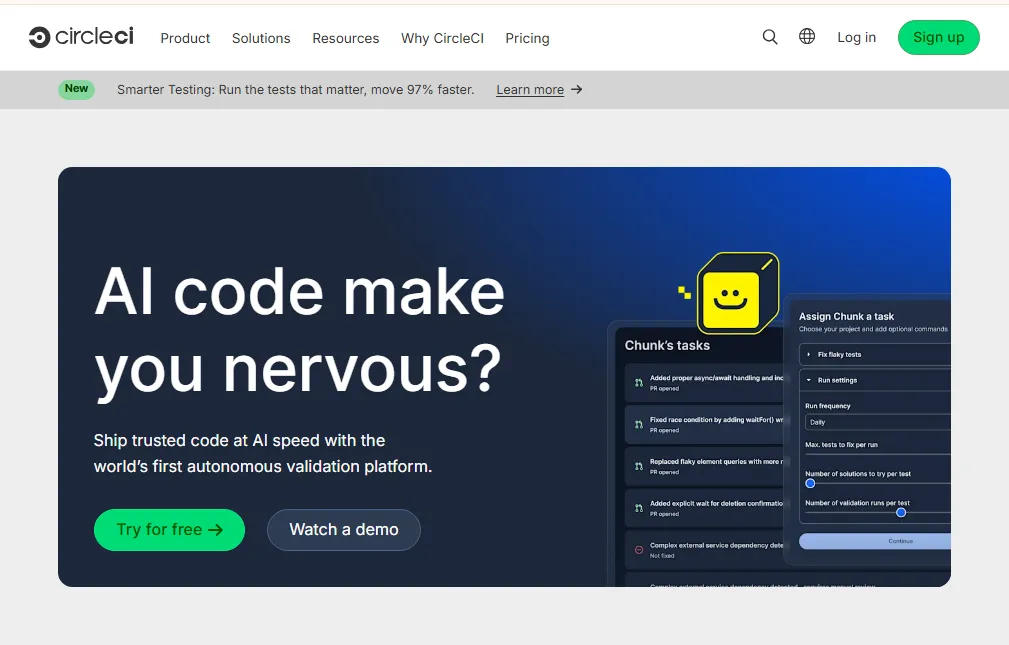
CircleCI — High-Performance CI/CD Platform
CircleCI is designed for speed, reliability, and powerful Docker-based pipelines.
Key Features:
- High-speed builds
- SSH debugging
- Orbs for reusable configurations
- Performance analytics
Best For: Docker workflows, fast deployments
Pricing: Free up to 6,000 build minutes, paid plans from $15/month
Best Infrastructure Automation & IaC Tools
Infrastructure as Code (IaC) tools automate cloud provisioning and configuration, allowing teams to manage infrastructure with code.
Terraform — Industry Leader in Infrastructure as Code
Terraform enables declarative infrastructure management across multiple cloud providers.
Key Features:
- Multi-cloud support (AWS, Azure, GCP)
- Remote state management
- Modular configuration
- Version-controlled infrastructure
Best For: Multi-cloud environments, enterprise-grade infrastructure
Pricing: Free (Open-source), Terraform Cloud from $20/user/month
Ansible — Agentless Configuration Management
Ansible automates system configuration and application deployment without requiring agents.
Key Features:
- Agentless architecture
- YAML playbooks
- Massive module library
- Fast automation
Best For: Configuration management, application deployments
Pricing: Free (Open-source), Automation Platform from $10,000/year
Puppet & Chef — Enterprise Configuration Automation
Both Puppet and Chef provide mature, enterprise-grade configuration management platforms.
Key Benefits:
- Declarative infrastructure modeling
- Policy-driven automation
- Compliance management
- Enterprise-grade scalability
Best For: Large organizations with strict infrastructure governance
Best Testing Automation Tools
Automated testing ensures application reliability, security, and performance across different environments.
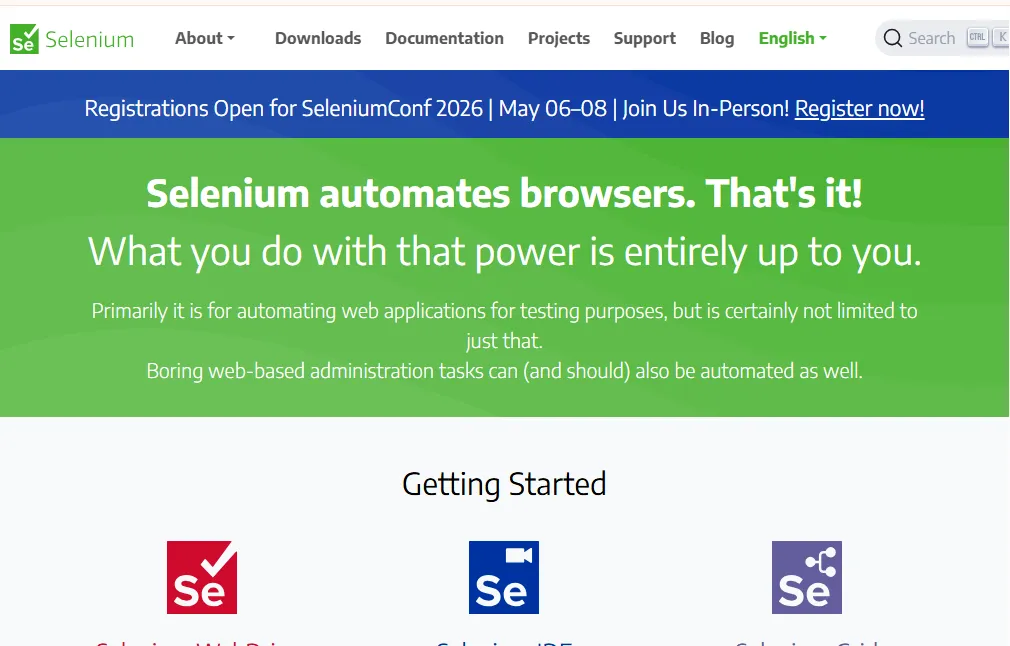
Selenium — Industry Standard for Web Automation Testing
Selenium enables browser automation for testing web applications.
Use Cases:
- End-to-end testing
- Regression testing automation
- Cross-browser compatibility testing
Cypress — Modern Front-End Testing Framework
Cypress modernizes JavaScript testing with fast execution and developer-friendly debugging.
Use Cases:
- Front-end testing
- Component testing
- API testing
- UI automation

JUnit & TestNG — Java Testing Frameworks
JUnit and TestNG provide robust unit and integration testing frameworks for Java developers.
Use Cases:
- Unit testing automation
- Integration testing
- Test lifecycle management
Best AI-Powered Automation Tools for Developers
AI-based coding tools are revolutionizing developer productivity by offering real-time code suggestions and automation.
GitHub Copilot — AI Pair Programmer
GitHub Copilot generates entire functions, classes, and test cases using AI.
Key Features:
- Context-aware suggestions
- Multi-language support
- Code optimization
- Test generation
Best For: All developers
Pricing: $10/month individual, $19/user/month business

Tabnine — Privacy-Focused AI Code Completion
Tabnine offers secure AI completions with both cloud and local model support.
Best For: Enterprises prioritizing code privacy

Amazon CodeWhisperer — AI Assistant for AWS Developers
Amazon CodeWhisperer delivers AI coding assistance optimized for AWS cloud services.
Best For: AWS developers and cloud engineers
Pricing: Free tier available
Antigravity — AI Code Refactoring & Optimization Tool
Antigravity is an advanced AI-powered automation platform focused on code optimization, refactoring, performance tuning, and technical debt reduction. It analyzes large codebases and automatically suggests or applies improvements.
Key Features:
- Intelligent code refactoring
- Performance optimization
- Automated bug fixes
- Technical debt detection
- Security vulnerability scanning
Best For: Large-scale applications, enterprise software, legacy code optimization

Best Workflow & Task Automation Tools
Workflow automation platforms connect multiple apps to streamline business and DevOps workflows.
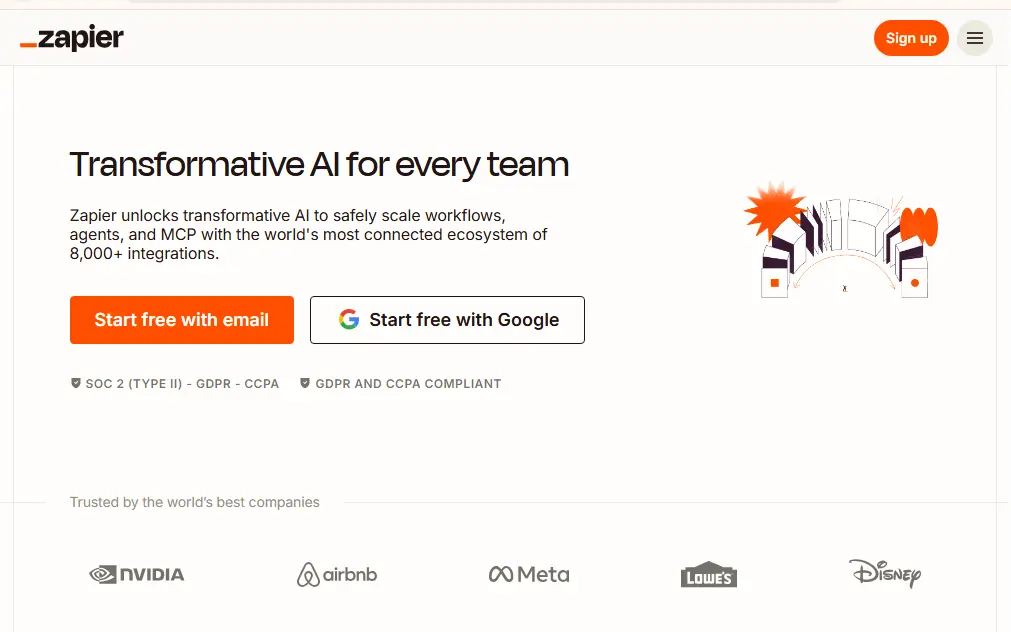
Zapier — No-Code Workflow Automation
Zapier integrates over 5,000 apps for easy automation.Check out best Zapier alternatives.
Developer Use Cases:
- Slack deployment alerts
- Automated bug reporting
- Git workflow automation
- API integrations
Make (Integromat) — Visual Workflow Builder
Make offers with powerful workflow automation and advanced logic and branching.
Best For: Advanced automation scenarios
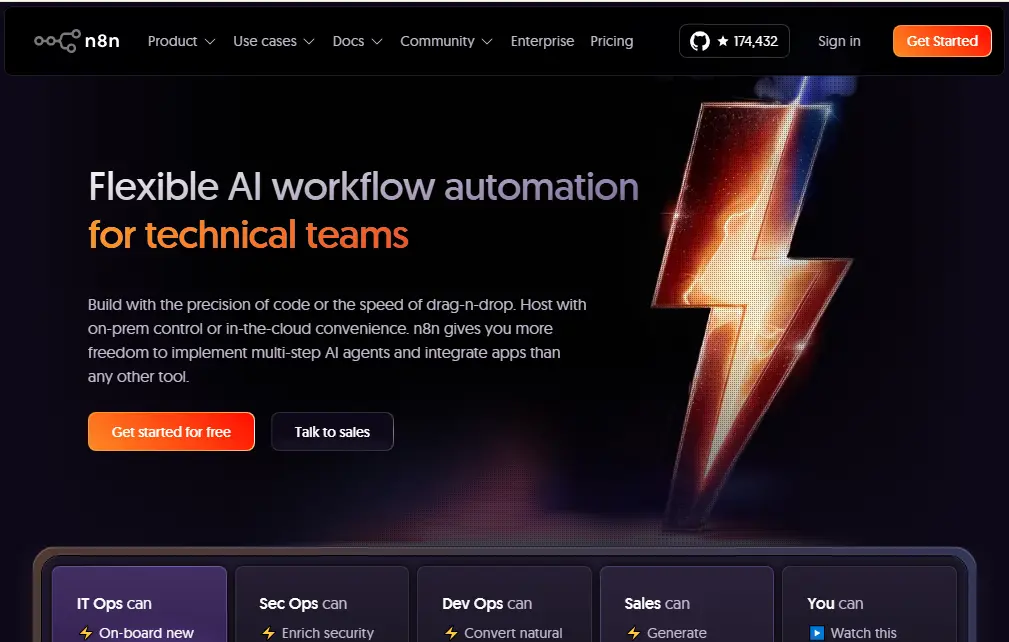
n8n — Self-Hosted Workflow Automation
n8n provides open-source automation with full control over data and infrastructure.
Best For: Privacy-focused teams, self-hosted automation
How to Choose the Right Automation Tools for Developers
Based on Team Size
- Solo developers benefit from GitHub Actions or GitLab CI/CD for simple, integrated pipelines. Focus on tools with generous free tiers and minimal setup.
- Startups should prioritise cost-effective solutions that scale. CircleCI, GitHub Actions, and Terraform cover most needs without enterprise pricing.
- Enterprise teams require enterprise support, security compliance, and advanced features. Jenkins, GitLab Ultimate, and Puppet suit large organisations.
Based on Tech Stack
- JavaScript ecosystem: GitHub Actions, Cypress, npm scripts
- Python ecosystem: GitLab CI/CD, pytest, Ansible
- Cloud-native projects: Terraform, Kubernetes operators, GitHub Actions
- Microservices architecture: Jenkins X, Istio, ArgoCD
Budget Considerations
Free automation tools like Jenkins, Terraform (open-source), and GitHub Actions (for public repos) provide enterprise-grade capabilities at zero cost. Open-source tools offer flexibility but require maintenance expertise.
Proprietary tools add support, hosting, and advanced features. Evaluate total cost, including engineering time for maintenance versus managed service fees.Apply these tools in MERN stack project ideas.
Automation Tools Comparison Table
Tool | Category | Best For | Free Plan | Enterprise Support | |
|---|---|---|---|---|---|
Jenkins | CI/CD | Large enterprises | Yes (OSS) | Community | |
GitHub Actions | CI/CD | GitHub users | Yes (limited) | Yes | |
Terraform | IaC | Multi-cloud | Yes (OSS) | Paid | |
Ansible | Config Mgmt | Server automation | Yes (OSS) | Paid | |
Selenium | Testing | Web testing | Yes (OSS) | Community | |
GitHub Copilot | AI Coding | All developers | No | Yes | |
Cypress | Testing | Frontend testing | Yes (OSS) | Paid |
Real-World Use Cases of Developer Automation
- Automating deployment pipelines: A SaaS company reduced deployment time from 45 minutes to 3 minutes using GitHub Actions and Terraform, enabling 20+ daily deployments.
- Auto-testing on pull requests: Every code change triggers automated test suites through CI/CD tools, catching bugs before code review and reducing QA cycles by 70%.
- Infrastructure provisioning in AWS/Azure: DevOps teams use Terraform to provision identical environments in minutes rather than days, ensuring dev/staging/prod parity.
- Code review automation: Tools like SonarQube automatically scan pull requests for code quality, security vulnerabilities, and style violations.
- AI-assisted debugging: GitHub Copilot and ChatGPT help developers identify bug patterns and suggest fixes, reducing debugging time significantly.
Common Mistakes When Implementing Automation
- Over-automation creates complexity without value. Not every task benefits from automation—focus on repetitive, error-prone processes first.
- Poor pipeline design leads to slow, fragile builds. Follow DevOps best practices: keep pipelines fast, fail fast, and parallelise when possible.
- Security misconfiguration exposes credentials and infrastructure. Never hardcode secrets—use secret management tools and follow CI/CD pipeline optimization security guidelines.
- Ignoring monitoring means failures go unnoticed. Implement alerting and observability into automated workflows.
- Tool overload fragments workflows. Build a coherent automation strategy rather than adopting every trending tool.
Future of Automation Tools for Developers
- AI-native DevOps will embed machine learning throughout development workflows. Expect AI to write tests, generate infrastructure code, and optimise deployments autonomously.
- Self-healing infrastructure will detect and remediate issues automatically. Systems will roll back failed deployments, scale resources predictively, and patch vulnerabilities without human intervention.
- Autonomous code review systems will evolve beyond simple linting to understand business logic and architectural patterns, providing substantive feedback on code design.
- Low-code automation tools will make sophisticated automation accessible to non-engineers, democratizing DevOps practices across organisations.