
14 Best WordPress Alternatives for Developers & Businesses
WordPress powers over 43% of all websites globally, but it’s not the perfect solution for everyone. As web development evolves, many businesses, developers, and content creators are exploring WordPress alternatives that offer better performance, enhanced security, lower maintenance demands, or specialized features for specific use cases.
Whether you’re frustrated with WordPress’s plugin bloat, concerned about security vulnerabilities, seeking better performance, or simply want a more modern content management experience, this comprehensive guide explores the best WordPress alternatives in 2026, from beginner-friendly website builders to powerful developer-centric platforms. Improve your content for better seo and readability with the top 10 Grammarly alternatives.
Why Consider WordPress Alternatives?
WordPress has dominated the CMS market for years, but several legitimate reasons drive users to seek alternatives:
WordPress Dominance and Growing Challenges
While WordPress’s market leadership speaks to its capabilities, the platform faces inherent challenges that alternatives address more effectively.
Security Vulnerabilities: WordPress’s popularity makes it a prime target for hackers. The platform’s reliance on third-party plugins creates security risks—over 90% of WordPress vulnerabilities stem from plugins and themes rather than the core software. Regular security updates and constant vigilance become a necessary operational overhead.
Performance Issues: Out-of-the-box WordPress can be slow. Page load speeds suffer from plugin conflicts, bloated themes, and database queries that scale poorly. Achieving optimal performance requires technical expertise, caching plugins, CDN integration, and ongoing optimization—tasks that consume development resources.
Maintenance Burden: WordPress requires constant attention. Core updates, plugin updates, theme updates, security patches, database optimization, and backup management create ongoing maintenance demands. For small teams or solo operators, this maintenance overhead detracts from actual content creation or business development.
Plugin Dependency: WordPress’s strength,its massive plugin ecosystem—also becomes a weakness. Sites often depend on dozens of plugins, creating compatibility issues, performance degradation, and security risks. Plugin abandonment by developers leaves sites vulnerable or forces migrations to alternative plugins.
Hosting Complexity: While managed WordPress hosting simplifies some challenges, it adds high cost. Self-hosting WordPress requires technical knowledge of server management, security hardening, and performance optimization. Neither option provides the simplicity many users desire.
Cost Considerations: WordPress core is free, but the total cost of ownership includes premium themes ($50-200), essential plugins ($100-500 annually), managed hosting ($25-100+ monthly), security services, and developer time for customization and maintenance. These costs accumulate quickly.
Modern Development Workflow Limitations: WordPress’s PHP-based architecture and monolithic structure don’t align well with modern development practices like CI/CD pipelines, version control for content, API-first approaches, or JAMstack architectures that developers increasingly prefer.
When WordPress Makes Sense vs. When Alternatives Excel
WordPress remains excellent for content-heavy sites requiring extensive plugins, established businesses with WordPress expertise, and projects prioritizing the massive ecosystem over performance. However, alternatives often excel for high-performance sites requiring speed, developer teams wanting modern workflows, businesses prioritizing security and low maintenance, or projects with specific requirements like advanced ecommerce or membership sites.
Types of WordPress Alternatives
Understanding the different categories of WordPress alternatives helps narrow your selection:
CMS Platforms (Traditional Content Management Systems)
Traditional CMS platforms like Joomla, Drupal, and Craft CMS offer complete website management solutions similar to WordPress but with different architectural approaches, security models, and feature sets. These work well for users seeking familiar CMS functionality without WordPress-specific drawbacks.
Website Builders (SaaS Platforms)
Platforms like Wix, Squarespace, and Weebly provide all-in-one solutions with hosting, design tools, and content management integrated into a single service. These eliminate technical complexity, offering drag-and-drop interfaces perfect for non-technical users who want attractive websites quickly without maintenance concerns.
Headless CMS Solutions
Headless CMS platforms like Strapi, Contentful, and Sanity separate content management from presentation layers. Content lives in the CMS, delivered via APIs to any frontend—websites, mobile apps, IoT devices. This architecture provides maximum flexibility for developer teams building custom experiences across multiple channels.
Static Site Generators
Tools like Hugo, Jekyll, Eleventy, and Gatsby generate static HTML files from content sources, deployed to CDNs for exceptional performance. These eliminate databases, reduce security vulnerabilities, and provide incredible speed—ideal for blogs, documentation sites, and marketing pages that don’t require dynamic functionality.
Enterprise-Grade Platforms
Solutions like Adobe Experience Manager, Sitecore, and enterprise versions of Drupal cater to large organizations requiring advanced features, extensive customization, robust security, and dedicated support. These platforms handle complex workflows, multi-site management, and sophisticated personalization at scale.
Key Features to Look for in WordPress Alternatives
When evaluating WordPress alternatives, prioritize features matching your specific needs:
1. Ease of Use
Visual Editing: Drag-and-drop interfaces let non-technical users build and modify pages without coding knowledge. Look for WYSIWYG editors that accurately represent the final published page.
Intuitive Dashboard: Clean, logical admin interfaces reduce learning curves and increase productivity. The best platforms make common tasks obvious and advanced features discoverable.
Quick Setup: Minimal configuration requirements get sites live faster. Platforms offering starter templates, pre-configured settings, and guided onboarding accelerate launch timelines.
Content Management Simplicity: Creating, editing, organizing, and publishing content should feel natural. Look for platforms with modern editors, media libraries, and organizational structures matching your content model.
2. Customization & Flexibility
Theme and Template Options: Quality design templates provide professional starting points. Evaluate both the quantity and quality of available themes, plus customization options without code.
Extension Ecosystem: While avoiding WordPress’s plugin bloat, some extensibility remains valuable. Assess the quality and reliability of available extensions, apps, or modules.
Developer Access: For custom requirements, evaluate API access, custom code capabilities, templating engines, and whether the platform allows full control when needed.
Content Modeling: Flexible content structures matter for complex sites. Look for platforms supporting custom content types, relationship fields, and taxonomies matching your content architecture.
3. Performance & Security
Page Load Speed: Fast loading times improve user experience and SEO rankings. Evaluate platforms’ baseline performance, caching capabilities, and whether they’re built for speed from the ground up.
Built-in Optimization: Automatic image optimization, code minification, lazy loading, and other performance features should work out of the box without plugins.
Security Features: Built-in security protections, automatic updates, SSL certificates, DDoS protection, and regular security audits matter more than WordPress’s reactive security model.
Reliability and Uptime: For SaaS platforms, check uptime guarantees, infrastructure quality, and backup systems. For self-hosted solutions, consider resource requirements and stability.
4. SEO & Marketing Tools
Technical SEO Foundations: Clean code, semantic HTML, fast load times, mobile responsiveness, and proper structured data support form SEO foundations. The best platforms handle these automatically.
SEO Management Tools: Meta title and description control, URL customization, sitemap generation, robots.txt management, and canonical URL settings should be straightforward.
Marketing Integrations: Email marketing, analytics, social media, and advertising platform integrations streamline marketing workflows without complex setups.
Content Publishing Features: Scheduled publishing, content previews, revision history, and workflow approvals support professional content operations.
5. Hosting & Deployment Options
Managed Hosting (SaaS): Platforms like Wix and Squarespace include hosting, eliminating server management entirely. This simplifies operations but reduces control and can increase long-term costs.
Self-Hosting Options: Open-source platforms like Ghost, Joomla, and Drupal allow hosting anywhere, providing full control over infrastructure, data, and costs.
Cloud Hosting Compatibility: Modern platforms should deploy easily to cloud providers like AWS, Google Cloud, Vercel, or Netlify, supporting scalable infrastructure.
Deployment Workflows: For developers, look for Git integration, CI/CD pipeline support, staging environments, and deployment automation capabilities.
6. Cost & Pricing Structure
Transparent Pricing: Understand total costs, including hosting, premium features, transaction fees, bandwidth limits, and user seats. Hidden costs sabotage budget planning.
Free Tiers and Trials: Test platforms risk-free before committing. Generous free tiers or trial periods let you evaluate real-world suitability.
Scalability Costs: How do costs increase as traffic grows, storage needs expand, or you add features? Predictable scaling costs matter for growing businesses.
Value Proposition: Evaluate price against features, support quality, and time savings. The cheapest option often costs more when factoring in maintenance time and limitations.
Best WordPress Alternatives in 2026
Here are the top WordPress alternatives, each excelling for specific use cases:
1. Wix – Best for Beginners & Small Businesses
Platform Type: SaaS Website Builder
Best For: Small businesses, portfolios, simple ecommerce, and users wanting simplicity over customization
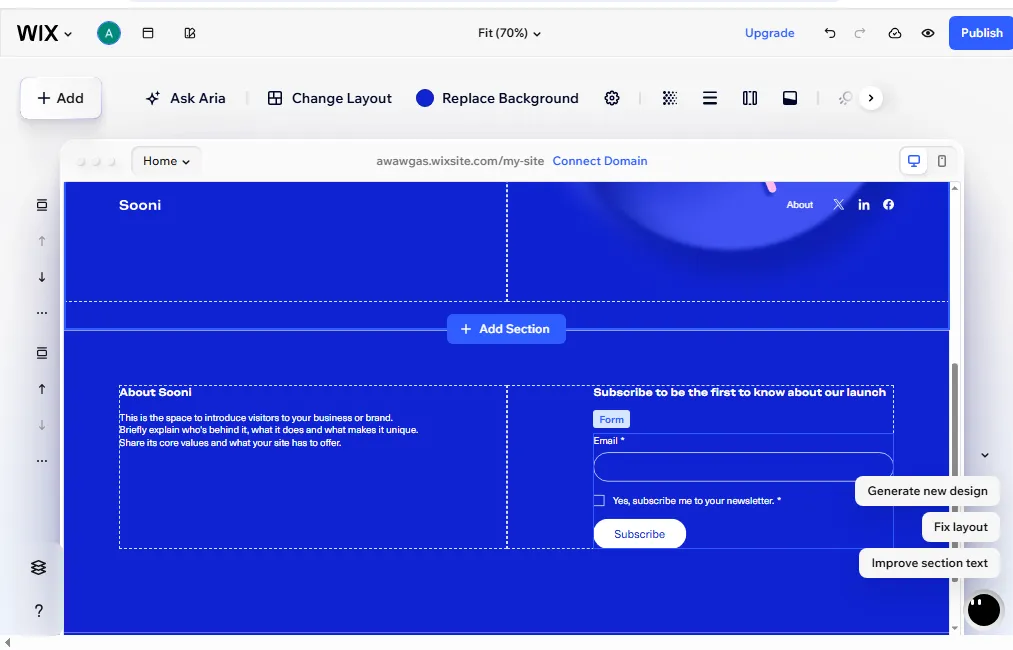
Wix pioneered the drag-and-drop website builder category and remains the most user-friendly option for non-technical users. The platform offers over 800 designer-made templates, an intuitive visual editor, and the Wix App Market with 300+ integrations extending functionality.
Key Features:
- Wix Editor with complete design freedom
- Wix ADI (Artificial Design Intelligence) for automated site creation
- Built-in SEO tools and marketing suite
- E-commerce capabilities with payment processing
- Mobile-optimized responsive design
- Free hosting and SSL certificates included
- 24/7 customer support
Pros:
- Extremely beginner-friendly with no learning curve
- No technical knowledge or coding required
- Beautiful templates across all industries
- All-in-one solution eliminating setup complexity
- Excellent mobile app for on-the-go management
- Strong e-commerce features for small online stores
Cons:
- Limited customization compared to code-based platforms
- Cannot switch templates without rebuilding
- Less control over technical SEO elements
- Can become expensive for advanced features
- Vendor lock-in—difficult to migrate away
- Page load speeds slower than static alternatives
Pricing: Free plan available with Wix branding. Premium plans start at $17/month for basic websites, $27/month for business features, and $35/month for ecommerce functionality.
Best Use Case: Small businesses, freelancers, and entrepreneurs wanting professional websites quickly without technical complexity. Perfect for portfolios, local businesses, and simple online stores where ease of use trumps advanced customization.
2. Squarespace – Best for Creative Professionals
Platform Type: SaaS Website Builder
Best For: Photographers, designers, artists, and businesses prioritizing visual aesthetics
Squarespace targets creative professionals with stunning templates and powerful design tools. The platform excels at visual storytelling, offering the best-looking templates in the website builder category with minimal effort required.
Key Features:
- Award-winning responsive templates
- Visual content editor with style system
- Integrated blogging and portfolio tools
- Built-in ecommerce with inventory management
- Email marketing campaigns included
- Scheduling and appointment booking
- Analytics and reporting dashboards
- Domain registration is included in annual plans
Pros:
- Absolutely beautiful design templates
- Consistent, polished aesthetic across all features
- Strong built-in analytics
- Excellent mobile experience
- Professional e-commerce capabilities
- All-in-one platform with nothing extra needed
- Great customer support and documentation
Cons:
- Less design flexibility than Wix
- Steeper learning curve than other builders
- Limited third-party integrations
- More expensive than competitors
- Fewer templates than Wix (though higher quality)
- Advanced customization requires CSS knowledge
Pricing: Squarespace pricing starts at $16/month for personal sites, $23/month for business features, and $27-$49/month for ecommerce stores. Annual billing required for best rates.
Best Use Case: Creative professionals, photographers, designers, and visual artists needing portfolio sites that showcase work beautifully. Also excellent for boutique ecommerce brands prioritizing aesthetics and brand presentation.
3. Ghost – Best for Bloggers & Content Creators
Platform Type: Open-Source CMS / SaaS
Best For: Professional publishers, bloggers, newsletters, and membership-based content businesses
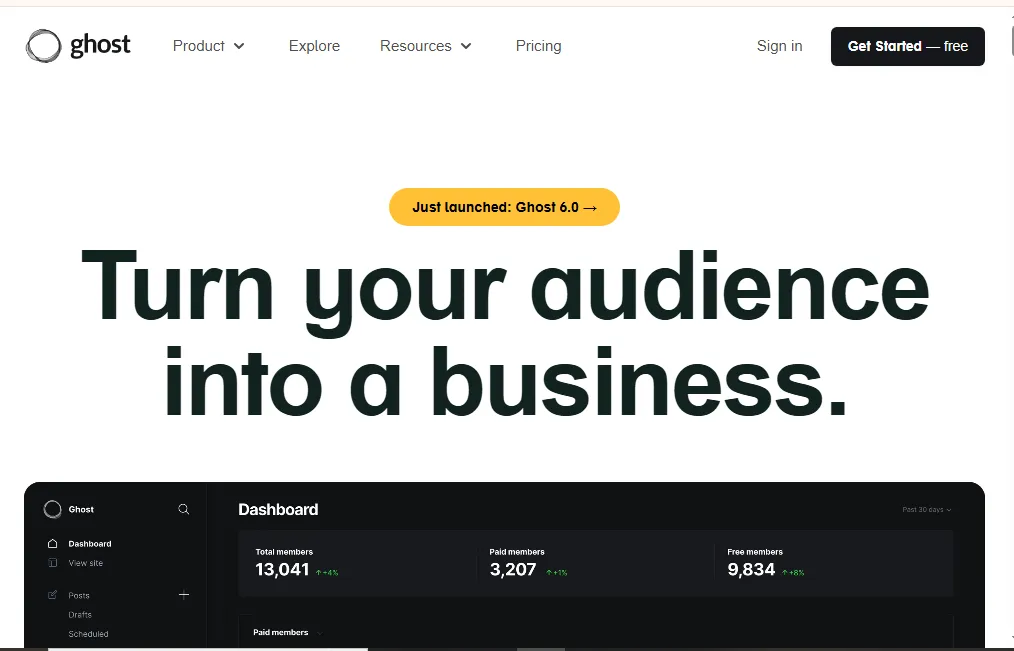
Ghost emerged as a purpose-built publishing platform focused exclusively on content creation without WordPress’s bloat. The platform embraces modern web technologies, offering exceptional performance and a streamlined writing experience.
Key Features:
- Markdown-based editor optimized for writing
- Built-in membership and subscription features
- Native newsletter functionality
- SEO optimization is built into the core
- Lightning-fast performance
- Modern, clean admin interface
- Custom theme development support
- REST API for headless implementations
Pros:
- Blazing fast page loads
- Focused specifically on publishing
- Excellent writing experience
- Built-in memberships and subscriptions
- Strong SEO performance out of the box
- Modern, maintainable codebase
- Active development and regular updates
- Can self-host or use managed hosting
Cons:
- Limited plugin ecosystem
- Fewer themes than WordPress
- Less flexibility for complex websites
- Basic e-commerce support
- Requires technical knowledge for self-hosting
- Smaller community than WordPress
- Limited page builder functionality
Pricing: The self-hosted version is free (requires your hosting). Ghost(Pro) managed hosting starts at $9/month for new creators, $25/month for growing creators, and scales to $249+/month for established publishers based on member count.
Best Use Case: Professional bloggers, independent publishers, newsletter creators, and content businesses building membership or subscription models. Perfect for anyone prioritizing writing experience and publishing performance over extensive customization.
4. Webflow – Best for Designers & Developers
Platform Type: Visual CMS with Code Control
Best For: Web designers, agencies, and developers wanting visual design with code-level control
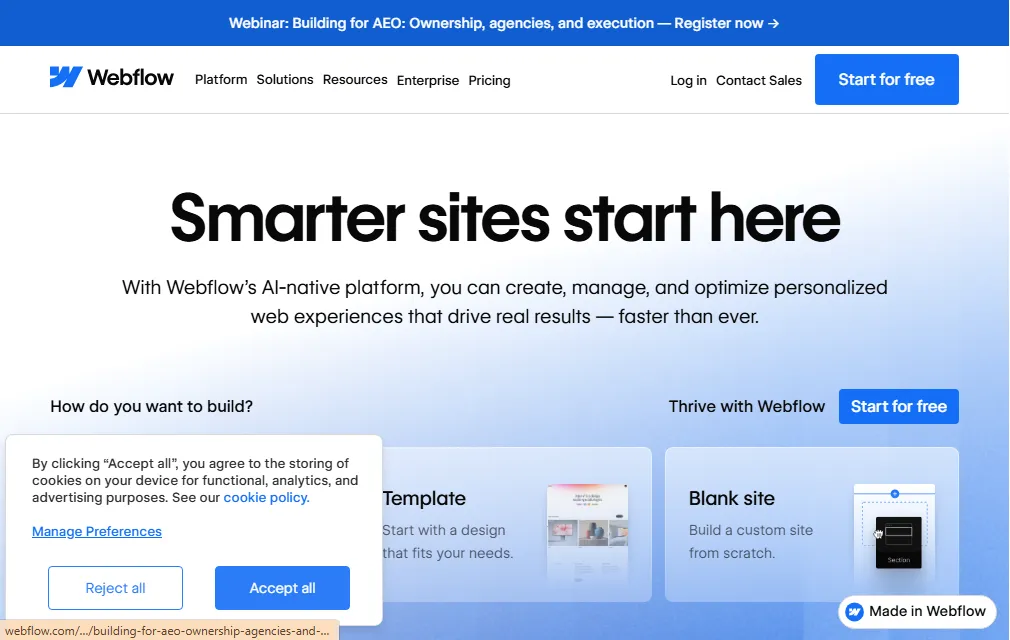
Webflow bridges the gap between visual website builders and hand-coded sites. The platform offers a visual canvas for design while generating clean, production-ready code. This unique approach attracts professional designers who want pixel-perfect control without writing code manually.
Key Features:
- Visual CSS design controls
- CMS for dynamic content management
- Responsive design tools
- Interactions and animations engine
- Custom code embedding (HTML/CSS/JS)
- E-commerce functionality
- Hosting and CDN included
- Collaboration and client billing tools
Pros:
- Unmatched design control and flexibility
- Clean, semantic code generation
- Powerful animation and interaction tools
- Strong CMS for dynamic content
- Excellent performance and hosting
- Great for client projects and agencies
- Active community and learning resources
- No plugins required for most functionality
Cons:
- Steep learning curve for beginners
- Expensive for multiple sites
- Complex for simple websites
- Limited ecommerce capabilities vs. Shopify
- CMS less flexible than WordPress for complex needs
- Vendor lock-in with a proprietary system
- Can be overwhelming for non-designers
Pricing: Free plan for basic sites. Paid plans start at $14/month for basic sites, $23/month for CMS access, and $39/month for business features. E-commerce plans start at $29/month. Agency and enterprise plans available.
Best Use Case: Professional web designers, agencies building client sites, and businesses requiring custom design with CMS functionality. Ideal for marketing sites, portfolios, and mid-sized business websites where design quality matters most.
5. Joomla – Open-Source CMS Alternative
Platform Type: Open-Source CMS
Best For: Mid-sized websites, community portals, and multilingual sites
Joomla represents the middle ground between WordPress’s simplicity and Drupal’s complexity. The platform offers robust features out of the box, strong multilingual support, and flexible user management—making it popular for community sites, membership portals, and mid-sized business websites.
Key Features:
- Built-in multilingual support
- Advanced user management and ACL
- Template system for customization
- Extension directory with 8,000+ extensions
- Built-in caching for performance
- Two-factor authentication
- Responsive admin interface
- Strong community and documentation
Pros:
- More structured than WordPress
- Excellent multilingual capabilities
- Strong access control and user management
- Active community and support
- Free and open-source
- Better security model than WordPress
- Suitable for complex websites
Cons:
- Steeper learning curve than WordPress
- Smaller ecosystem than WordPress
- Fewer themes and extensions available
- Extension quality varies significantly
- Requires technical knowledge
- Less intuitive for beginners
- Smaller talent pool for hiring developers
Pricing: Free and open-source. Costs include hosting ($5-50/month), premium templates ($30-100), and premium extensions ($20-200).
Best Use Case: Organizations needing multilingual websites, community portals, membership sites, or mid-sized business websites requiring more structure than WordPress but less complexity than Drupal.

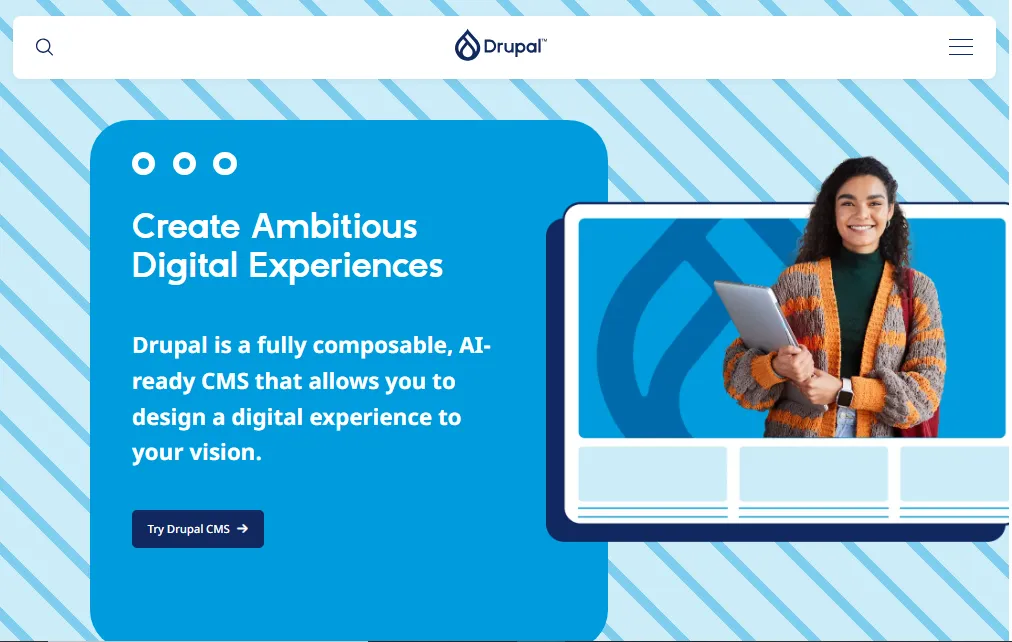
6. Drupal – Enterprise-Grade CMS
Platform Type: Open-Source CMS
Best For: Enterprise websites, government sites, universities, and complex web applications
Drupal targets complex, high-traffic websites requiring advanced customization, robust security, and sophisticated content workflows. Major organizations, including governments, universities, and Fortune 500 companies, trust Drupal for mission-critical websites.
Key Features:
- Highly customizable content architecture
- Advanced taxonomy and content relationships
- Robust access control and permissions
- Multi-site management capabilities
- Strong security track record
- REST API and headless capabilities
- Powerful views system for data display
- Enterprise-grade scalability
Pros:
- Maximum flexibility and customization
- Outstanding security for sensitive data
- Handles high-traffic sites efficiently
- Advanced content modeling capabilities
- Strong developer community
- Excellent for complex requirements
- Multi-site management built-in
- An active security team and rapid patches
Cons:
- Significant learning curve
- Requires development expertise
- Higher development costs
- Smaller module ecosystem than WordPress
- Steeper hosting requirements
- Overkill for simple websites
- Longer development timelines
- Finding Drupal developers more challenging
Pricing: Free and open-source. Costs include hosting ($20-200+/month for VPS or cloud), development time (higher hourly rates), premium modules, and potentially enterprise support contracts.
Best Use Case: Enterprise organizations, government agencies, universities, and complex web applications requiring advanced security, sophisticated content workflows, or multi-site management. Not recommended for simple websites or non-technical users.
7. Strapi – Headless CMS for Developers
Platform Type: Headless CMS
Best For: Developer teams building custom applications, mobile apps, or multi-channel experiences
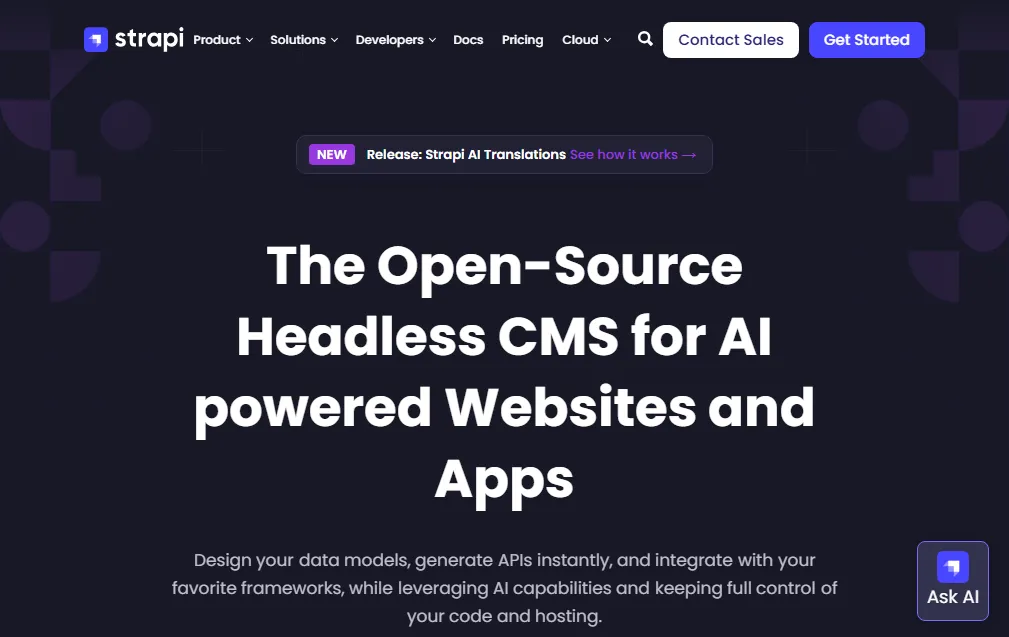
Strapi leads the open-source headless CMS category, providing content management via APIs while developers build custom frontends using any technology. This architecture enables content reuse across websites, mobile apps, and other digital touchpoints.
Key Features:
- RESTful and GraphQL APIs
- Customizable admin panel
- Role-based access control
- Media library and asset management
- Content versioning
- Webhook support
- Plugin system for extensibility
- Self-hosted or cloud deployment
Pros:
- Complete frontend flexibility
- Modern developer experience
- Excellent documentation
- Active open-source community
- Free self-hosted option
- Scalable architecture
- Framework agnostic
- API-first approach
Cons:
- Requires development expertise
- No frontend included
- Learning curve for non-developers
- Requires separate hosting
- Limited out-of-box functionality
- Smaller community than WordPress
- The plugin ecosystem is still developing
Pricing: Free and open-source for self-hosting. Strapi Cloud starts at $99/month for hosted solutions with additional features.
Best Use Case: Development teams building custom web applications, mobile apps, or omnichannel experiences where content needs to flow to multiple frontends. Perfect for modern JAMstack architectures and API-driven projects.
8. Craft CMS – Developer-Friendly Alternative
Platform Type: Self-Hosted CMS
Best For: Custom websites, SaaS products, and agencies requiring flexible content modeling
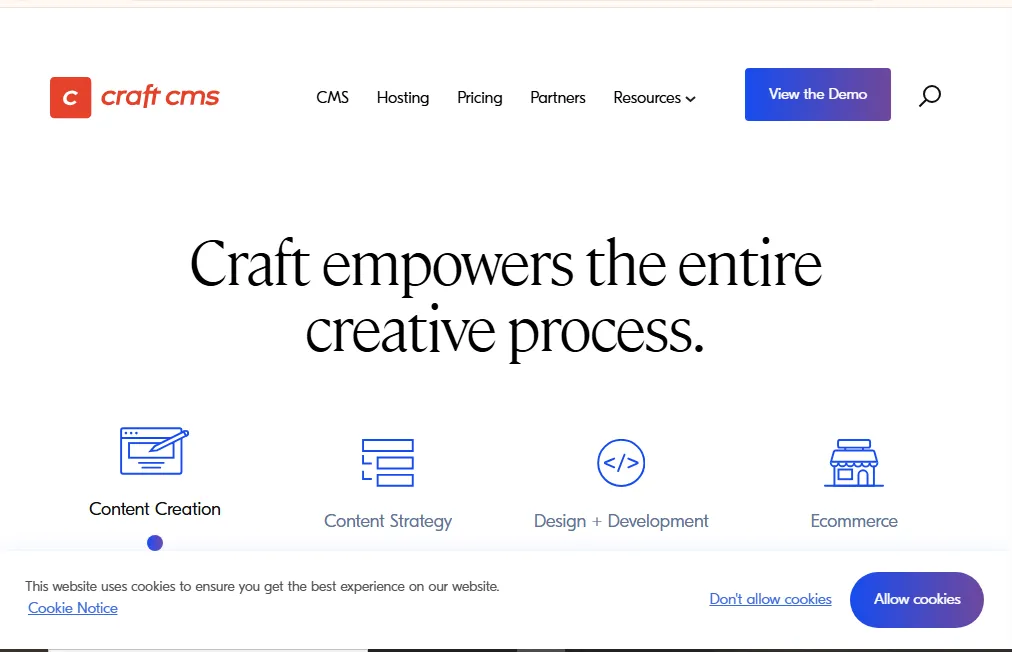
Craft CMS targets professional developers and agencies with its elegant content modeling, powerful templating engine (Twig), and flexible architecture. The platform balances user-friendly content management with developer-friendly customization capabilities.
Key Features:
- Flexible content modeling (Matrix fields)
- Twig templating engine
- Built-in image transforms
- Multi-site management
- Custom field types
- Live preview for content editors
- GraphQL and REST APIs
- Plugin ecosystem
Pros:
- Excellent for custom projects
- Intuitive admin interface
- Powerful and flexible fields system
- Clean, maintainable codebase
- Strong security record
- Great documentation
- Active developer community
- One-time license (not subscription)
Cons:
- Requires PHP/Twig knowledge
- Paid license required ($299+ per project)
- Smaller ecosystem than WordPress
- Higher learning curve for beginners
- Requires development expertise
- Limited free plugins
- Self-hosting complexity
Pricing: Craft CMS Solo is free for single users. Craft Pro is $299 per project (one-time fee) with $59/year for updates. Craft Enterprise is custom pricing for larger organizations.
Best Use Case: Agencies building custom client websites, SaaS companies needing flexible content management, and developers wanting elegant, maintainable code with powerful content modeling capabilities.
9. Hugo & Jekyll – Static Site Generators
Platform Type: Static Site Generators
Best For: Blogs, documentation sites, landing pages, and content sites prioritizing performance
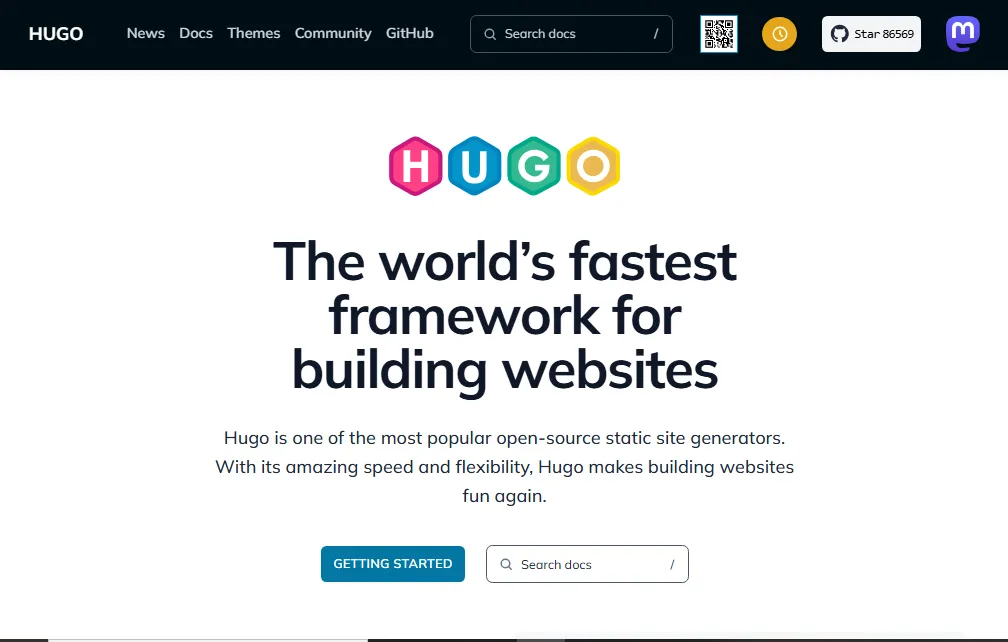
Static site generators build complete HTML websites from content files, eliminating databases and dynamic processing. The result? Blazing fast websites, exceptional security (no server-side code to exploit), and deployment to CDNs for global performance.
Hugo Features:
- Extremely fast build times
- Markdown content
- Templating with Go
- Taxonomy support
- Multi-language capabilities
- Image processing
- Git-based workflow
Jekyll Features:
- Ruby-based generator
- GitHub Pages integration
- Liquid templating
- Markdown support
- Plugin ecosystem
- Simple project structure
Pros:
- Incredibly fast page loads
- Exceptional security (static files only)
- Minimal hosting costs (CDN only)
- Version control for content
- Developer-friendly workflow
- No database maintenance
- Scales effortlessly
Cons:
- Requires technical knowledge
- No admin interface (use Git or CMSs)
- Not suitable for dynamic content
- Build process required for updates
- Learning curve for non-developers
- Limited interactive features
- Comments require third-party services
Pricing: Both Hugo and Jekyll are completely free and open-source. Hosting costs minimal ($0-20/month for CDN services like Netlify or Vercel).
Best Use Case: Developer blogs, documentation sites, marketing landing pages, and any content-focused site where dynamic functionality isn’t required. Perfect for developers comfortable with Git workflows and Markdown content.
10. Other Notable WordPress Alternatives
Contentful (Headless CMS): Enterprise-grade headless CMS with excellent APIs, multi-channel content delivery, and strong developer tools. Best for large organizations managing content across multiple platforms. Pricing starts at $300/month.
Kirby: File-based CMS with no database, offering simplicity and developer-friendly templating. Great for small to medium sites. License costs €99-€399 per site.
Grav CMS: Modern flat-file CMS with no database requirement, Markdown content, and Twig templating. Free and open-source, ideal for developers wanting simplicity without database overhead.

Typo3: Enterprise CMS popular in Europe, offering sophisticated features for large organizations. Free and open-source, but requires significant development expertise.
Shopify: While primarily an e-commerce platform, Shopify’s blogging and content capabilities make it a WordPress alternative for online stores. Starts at $39/month.
WordPress Alternatives for Developers
Developers often seek WordPress alternatives for modern workflows, better performance, and cleaner architectures.
Why Developers Look Beyond WordPress
Modern Development Workflows: WordPress’s architecture doesn’t align with modern practices like CI/CD pipelines, version control for content, or component-based development. Developers want Git-based workflows, automated testing, and deployment pipelines—challenging to implement with WordPress.
Performance Requirements: PHP and database queries inherent to WordPress create performance bottlenecks. Developers building high-traffic sites or performance-critical applications prefer architectures optimized for speed from the ground up.
Code Quality and Maintainability: WordPress’s legacy codebase, inconsistent coding standards across plugins, and global state management frustrate developers accustomed to modern frameworks. Cleaner codebases reduce technical debt and maintenance burden.
API-First Architecture: Decoupling content management from presentation through APIs enables content reuse across web, mobile, IoT, and other channels. Headless CMS solutions provide this flexibility natively.
Top Developer-Friendly Alternatives
Headless CMS Options (Strapi, Contentful, Sanity): These provide content management through APIs while developers build custom frontends using React, Vue, Next.js, or any preferred framework. This architecture offers maximum flexibility, modern development experience, and performance optimization.
Static Site Generators (Hugo, Eleventy, Gatsby): For content sites without complex dynamic functionality, SSGs provide unmatched performance, security, and developer experience. Content lives in Markdown files, version controlled in Git, deployed to global CDNs.
Webflow for Designer-Developers: Webflow offers visual design tools that generate clean code, appealing to designers who want control without writing CSS manually. The platform supports custom code injection and API access for extended functionality.
Craft CMS for Custom Projects: Craft’s Twig templating, flexible content modeling, and clean architecture appeal to developers building custom solutions. The platform provides structure without WordPress’s baggage.
Key Developer Considerations
Version Control Integration: Look for platforms supporting Git workflows, enabling content version control, branching strategies, and deployment pipelines familiar to development teams.
API Access and Flexibility: REST APIs, GraphQL support, and webhook capabilities enable custom integrations, external data sources, and multi-channel content delivery.
Modern Tech Stack: Platforms built on Node.js, Go, or modern PHP frameworks often provide better performance and developer experience than WordPress’s legacy architecture.
Deployment Flexibility: Support for containerization (Docker), serverless architectures, and various cloud providers enables infrastructure matching project requirements.
WordPress vs Alternatives – Comprehensive Comparison
Understanding how WordPress compares to alternatives across key dimensions helps inform your decision:
Performance and Speed
WordPress: Requires optimization work (caching plugins, CDN, database optimization, code minification) to achieve good performance. Page load times typically 2-4 seconds without optimization, 1-2 seconds with proper optimization.
Static Site Generators: Fastest option, typically loading in under 1 second globally. No database queries or server processing required.
Headless CMS: Performance depends on frontend implementation but typically faster than WordPress. Decoupled architecture enables CDN caching and optimized frontends.
Website Builders (Wix, Squarespace): Generally slower than optimized WordPress but faster than unoptimized WordPress. Performance handled by platform providers.
Security and Maintenance
WordPress: Requires regular updates to core, themes, and plugins. Vulnerable to attacks due to popularity and plugin security issues. Ongoing maintenance essential.
Static Sites: Most secure option—no server-side code to exploit. Updates minimal, mostly content changes.
SaaS Platforms: Security handled by the platform provider. Automatic updates eliminate maintenance burden.
Headless CMS: Reduced attack surface compared to WordPress. Backend separated from public-facing frontend. Still requires updates, but is less vulnerable.
Flexibility and Customization
WordPress: Extremely flexible with 60,000+ plugins and thousands of themes. Can build almost anything, but complexity increases technical debt.
Developer-Focused Platforms (Webflow, Craft): High flexibility for custom projects, but requires technical expertise. No plugin bloat.
Website Builders: Limited flexibility compared to code-based platforms. Trade customization for simplicity.
Headless CMS: Maximum flexibility for developers building custom solutions. No frontend constraints.
Cost Comparison
WordPress: Free core but costs accumulate: hosting ($5-100/month), premium themes ($50-200), plugins ($100-500/year), maintenance time, and potential developer costs.
Website Builders: All-inclusive pricing $15-50/month. Higher long-term cost, but includes everything.
Open-Source Alternatives: Similar cost structure to WordPress—free software, pay for hosting and development.
Headless CMS: Free or low-cost for self-hosted options. Cloud-hosted solutions $99-500/month. Requires development investment.
Learning Curve and Ease of Use
WordPress: Moderate learning curve. Admin interface is accessible to non-technical users, but optimization requires expertise.
Website Builders: Easiest to learn. Non-technical users are productive immediately.
Developer Platforms: Steep learning curve requiring technical expertise. Not suitable for non-developers.
Traditional CMS (Joomla, Drupal): Steeper learning curve than WordPress. More structure but less intuitive.
SEO Capabilities
WordPress: Excellent SEO with plugins like Yoast or Rank Math. Flexible control over all SEO elements.
Modern Alternatives: Most provide good SEO foundations. Static sites excel at technical SEO. Platforms like Ghost and Webflow have strong built-in SEO.
Website Builders: Adequate SEO tools for basic needs. Less control over technical SEO elements than code-based platforms.
Ideal Use Cases Summary
Choose WordPress for: Established businesses with WordPress expertise, content-heavy sites requiring extensive plugins, projects prioritizing ecosystem size over performance, or teams comfortable with WordPress maintenance.
Choose Alternatives for: Performance-critical sites, security-sensitive applications, modern developer workflows, simplified maintenance, specific use cases (publishing, ecommerce, headless architecture), or escape from WordPress complexity.
How to Choose the Right WordPress Alternative
Follow this decision framework to identify the best platform for your needs:
Step 1: Identify Your Website Goals
Content Publishing (Blog, Magazine, Newsletter): Consider Ghost for publishing focus, Medium for community, or static generators for simple blogs.
Business Website (Marketing, Landing Pages): Evaluate Webflow for design control, Squarespace for aesthetics, or Wix for simplicity.
Portfolio (Photography, Design, Creative Work): Squarespace excels here, with Format and Cargo as specialized alternatives.
E-commerce (Online Store): Shopify dominates dedicated e-commerce, while Wix and Squarespace handle basic online stores.
Custom Application: Headless CMS options (Strapi, Contentful) or developer-focused platforms (Craft, Webflow) enable custom builds.
Step 2: Assess Technical Skills
Non-Technical Users: Website builders (Wix, Squarespace) or Ghost(Pro) provide maximum simplicity.
Technical Users Comfortable with CMS: Traditional alternatives like Joomla work well with some learning investment.
Developers: Headless CMS, static site generators, or Webflow offer modern workflows and code control.
Teams with Developers Available: More technical options become viable with development support.
Step 3: Evaluate Budget and Pricing
Minimal Budget ($0-20/month): Self-hosted Ghost, static site generators, or website builder free tiers.
Small Budget ($20-100/month): Website builder paid plans, Ghost(Pro), or self-hosted Craft CMS.
Medium Budget ($100-500/month): Webflow, headless CMS cloud options, or managed Drupal/Craft hosting.
Enterprise Budget ($500+/month): Enterprise CMS solutions, Contentful, or custom development on any platform.
Step 4: Consider SEO and Marketing Requirements
Heavy SEO Focus: WordPress still leads for SEO plugins, but Ghost, Webflow, and static generators provide excellent technical SEO foundations.
Marketing Integrations: Verify platform supports your marketing stack—email marketing, analytics, and advertising platforms.
Content Workflow: Complex editorial workflows favor platforms like Drupal or Contentful with robust workflow features.
Step 5: Evaluate Scalability and Growth
Current Needs vs. Future Requirements: Choose platforms accommodating growth without forced migrations.
Traffic Scaling: Static sites and headless architectures scale most efficiently. Traditional CMS requires infrastructure planning.
Team Scaling: As teams grow, consider platforms with robust collaboration, permissions, and workflow features.
Feature Additions: Ensure the platform supports anticipated features without major redevelopment.
Free WordPress Alternatives
Several quality free alternatives exist for budget-conscious projects:
Ghost (Self-Hosted)
Ghost’s self-hosted version is completely free and open-source. You only pay for hosting (typically $5-20/month for basic VPS). This provides professional publishing capabilities without WordPress complexity. However, self-hosting requires technical knowledge for setup, security, and maintenance.
Joomla and Drupal
Both platforms are free and open-source alternatives offering more structure than WordPress. Costs include hosting and potentially premium extensions. These require technical expertise but provide powerful features for complex sites.
Hugo and Jekyll
Static site generators are entirely free. Hosting costs minimal since you’re deploying static files to CDNs. These offer maximum performance and security for content sites, though requiring development skills for setup and customization.
Grav CMS
This modern flat-file CMS requires no database and is completely free. It offers a middle ground between WordPress complexity and static generator technical requirements.
Limitations of Free Solutions
Free platforms eliminate software costs but require technical expertise, time investment for setup and maintenance, and self-managed hosting. They’re excellent choices for developers or technically capable teams, but challenging for non-technical users seeking turnkey solutions.
Migrating from WordPress to Alternatives
Migration Complexity
Migration difficulty varies dramatically by platform. Moving to similar CMS platforms (Joomla, Drupal) involves content export/import with some manual adjustment. Migrating to website builders often requires rebuilding sites from scratch since these platforms don’t accept WordPress imports. Headless CMS migrations require custom development to build frontends.
Content Export from WordPress
WordPress exports content via XML files containing posts, pages, and basic metadata. Media files require a separate export. Custom post types, complex taxonomies, and plugin-specific data often need custom migration scripts.
Platform-Specific Import Tools
Some platforms offer WordPress import tools. Ghost includes a WordPress migrator handling basic content. Many other platforms lack direct importers, requiring manual content migration or custom development.
Considerations Before Migrating
URL Structure Changes: Changing platforms often changes URL structures. Implement proper redirects (301 redirects) to preserve SEO rankings.
SEO Impact: Even with proper redirects, expect minor ranking fluctuations during migration. Plan migrations during low-traffic periods when possible.
Downtime Planning: Estimate migration time realistically. Complex sites may require days or weeks for complete migration and testing.
Testing Requirements: Thoroughly test migrated sites before launching. Verify content accuracy, functionality, forms, integrations, and mobile responsiveness.
Conclusion: Choosing Your Ideal WordPress Alternative
WordPress remains an excellent platform for many use cases, but it’s no longer the only viable option. The alternatives explored in this guide each excel for specific requirements—from beginner-friendly website builders to powerful developer platforms and high-performance publishing systems.
For non-technical users and small businesses, website builders like Wix and Squarespace eliminate complexity while delivering professional results. These platforms handle hosting, security, and updates automatically, letting you focus on content and business growth.
For bloggers and publishers, Ghost provides a focused, fast publishing experience without WordPress’s bloat. The platform’s built-in membership and subscription features appeal to creators building sustainable content businesses.
For developers and agencies, modern alternatives like Webflow, headless CMS options, and static site generators offer cleaner codebases, better performance, and workflows aligned with contemporary development practices.
For enterprises, Drupal continues to provide robust security, scalability, and customization for complex requirements that WordPress struggles to address efficiently.
The best WordPress alternative isn’t universal—it’s the platform matching your specific needs, technical capabilities, and growth trajectory. Evaluate your requirements carefully, test platforms when possible, and choose solutions supporting your long-term vision rather than just solving immediate problems. Also, check the best clipping software tools.
Most platforms offer free trials or free tiers. Test your top choices with real content and workflows before committing. The time invested in proper evaluation prevents costly migrations later.


